Сегодня рассмотрим базовые команды для обновления прошивки для коммутаторов компании Cisco.
- В данном случае рассматривается вариант копирования файла с прошивкой с USB-накопителя и далее обновление версии прошивки.
(вставляем флешку и проверяем, что она распозналась, dir usbflash0:)
(копируем прошивку с флешки на коммутатор)
#copy usbflash0:cat9k_iosxe.17.09.05.SPA.bin flash:
(устанавливаем программное обеспечение, то есть прошивку)
#request platform software package install switch all file flash:cat9k_iosxe.17.09.05.SPA.bin auto-copy
(перезагружаем коммутатор)
#reload
(после перезапуска проверяем версию установленной прошивки)
#show version | include install
(show version)
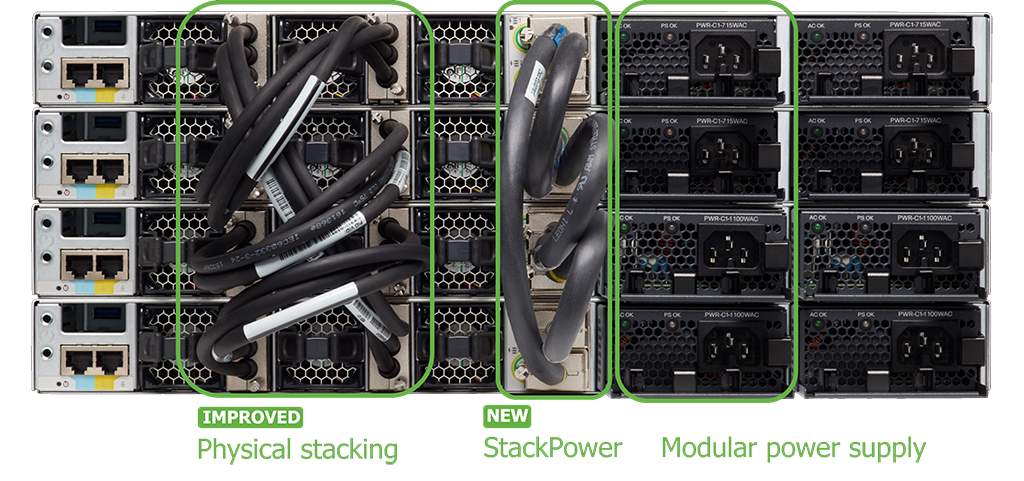
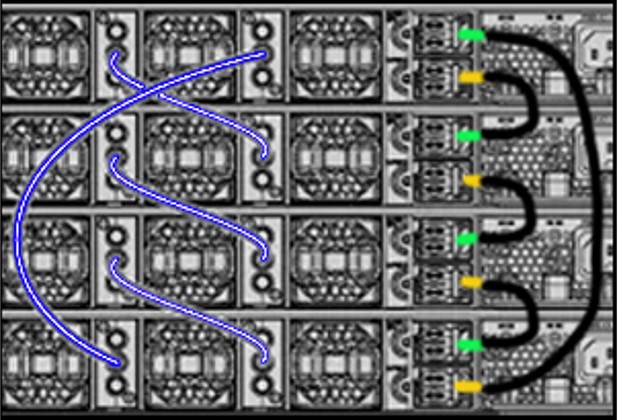
Еще некоторые полезные команды
[Посмотреть список свитчей (коммутаторов), например в стеке]
#show switches
[а также]
show version: Displays the Cisco IOS software version, model, and other system information.
show interface status: Shows the status of all switch interfaces, including their line status, operational state, and descriptions.
show mac address-table: Displays the MAC address table, showing which MAC addresses are learned on which ports.
show ip interface brief: Shows the IP address, status, and other information for each interface.
show running-config: Displays the current configuration of the switch.
show boot-config: Displays the active system image that runs when the switch boots.
show cdp: Displays information about Cisco Discovery Protocol (CDP), including neighbor devices and their capabilities.
show spanning-tree: Shows the spanning-tree configuration and status.
show vlan: Displays information about VLANs configured on the switch.
show arp: Displays the Ethernet ARP routing table.
show port-profile: Displays the port profiles configured on a switch.
show module: Displays information about the modules installed in the switch.
show environment: Displays the current system setup.
show clock: Displays the system date and time.
show ip route: Displays the IP routing table.
[изменить номер свитча в стеке]
#switch (stack-member-number) renumber (new-stack-member-number)
#write mem
#reload[изменить приоритет свитча в стеке, new-priority-value: от 1 до 15 и чем выше цифра тем выше приоритет]
#switch (stack-member-number) priority (new-priority-value)
#write mem
#reload#show vtp status
#show vtp counters [statistics]